12 min read
Realtime Multiplayer Person Detection
What the Program Does
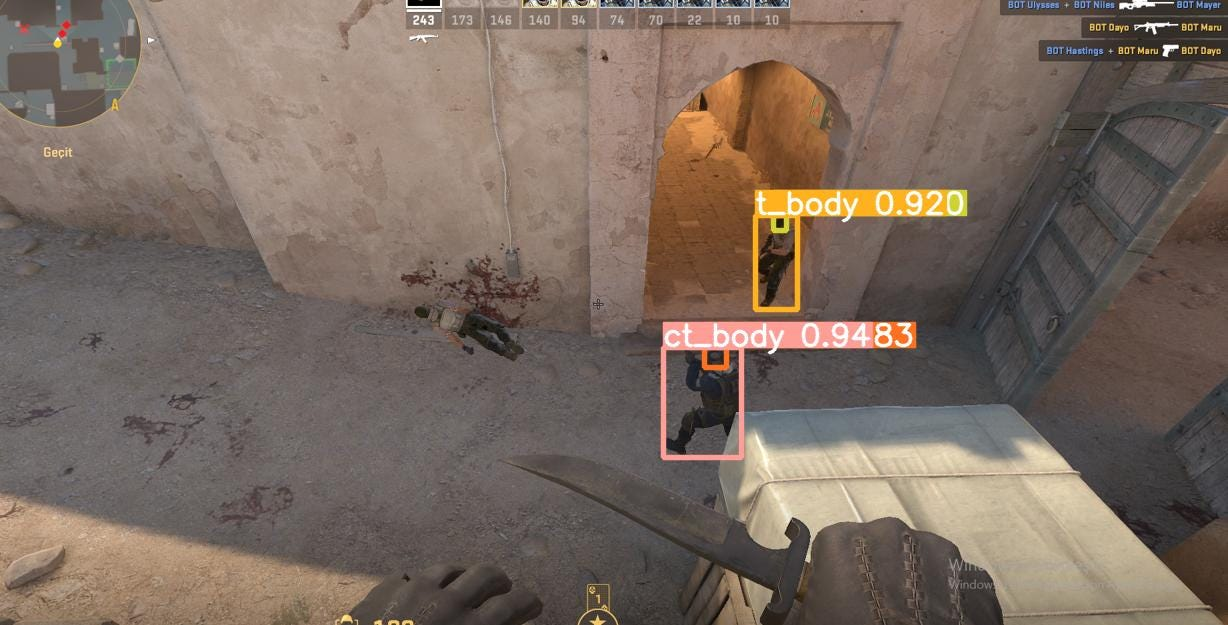
This program performs real-time enemy detection in multiplayer games by capturing the screen, processing the image through a trained neural network, and highlighting detected players with bounding boxes. Initially prototyped in Python, the application was progressively optimized by transitioning to C++ and leveraging advanced techniques like direct GPU mapping via Windows APIs. The end result is a highly efficient detection system capable of processing frames in as little as 10 ms, making it ideal for real-time gaming scenarios and beyond.
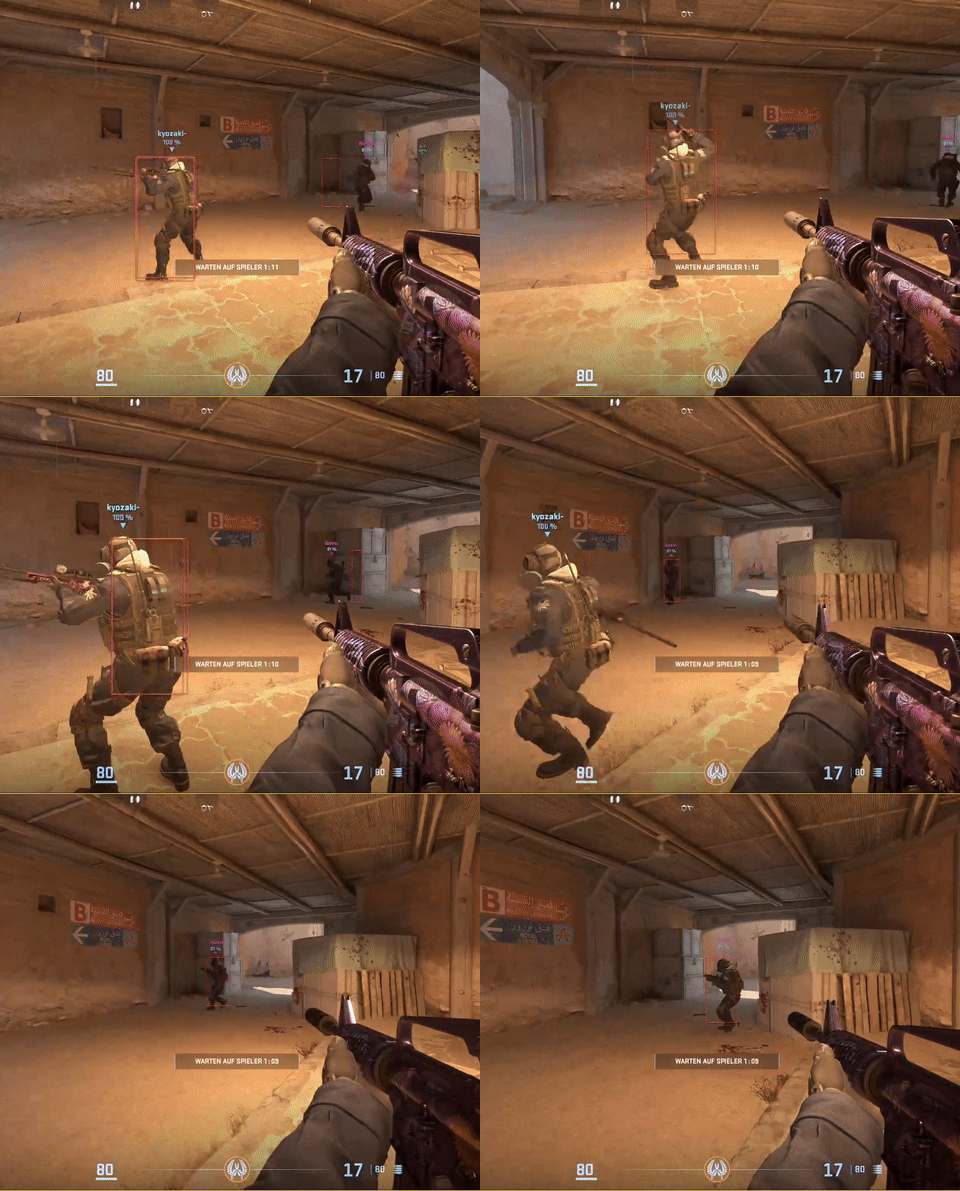
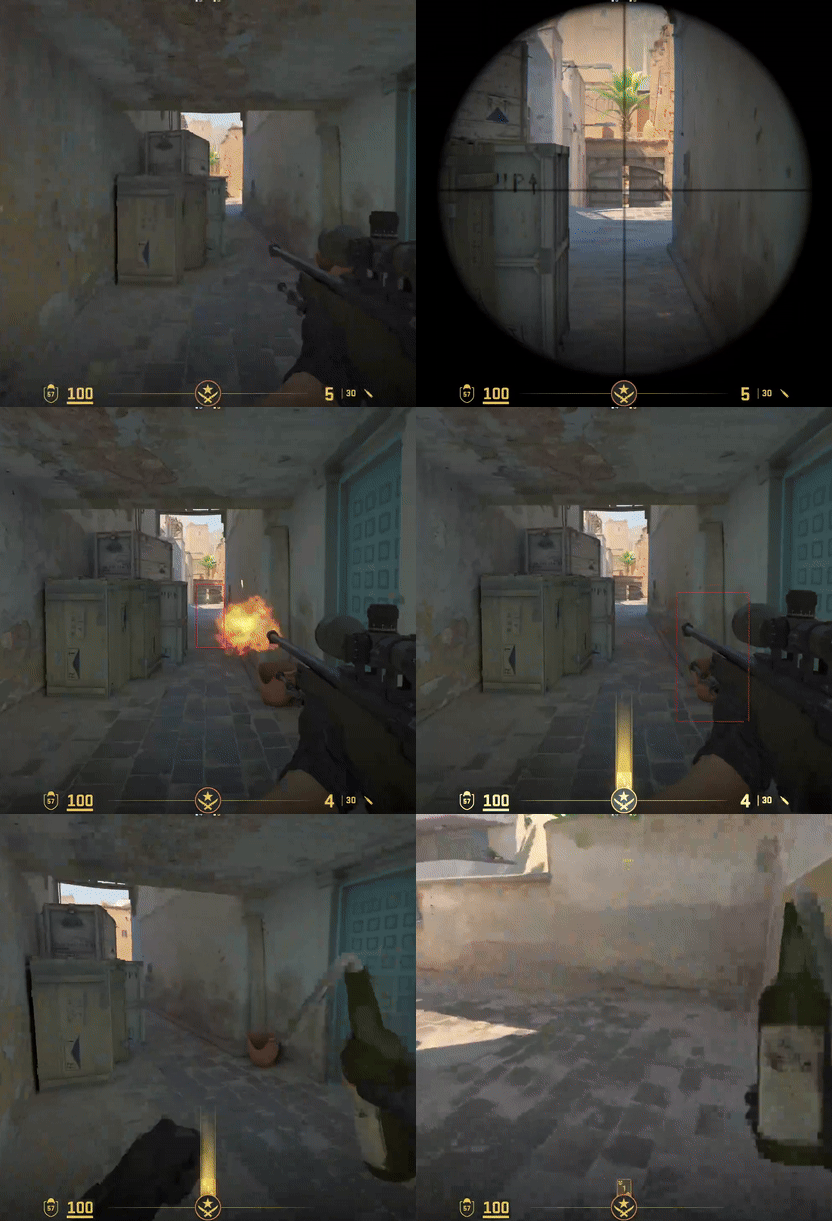
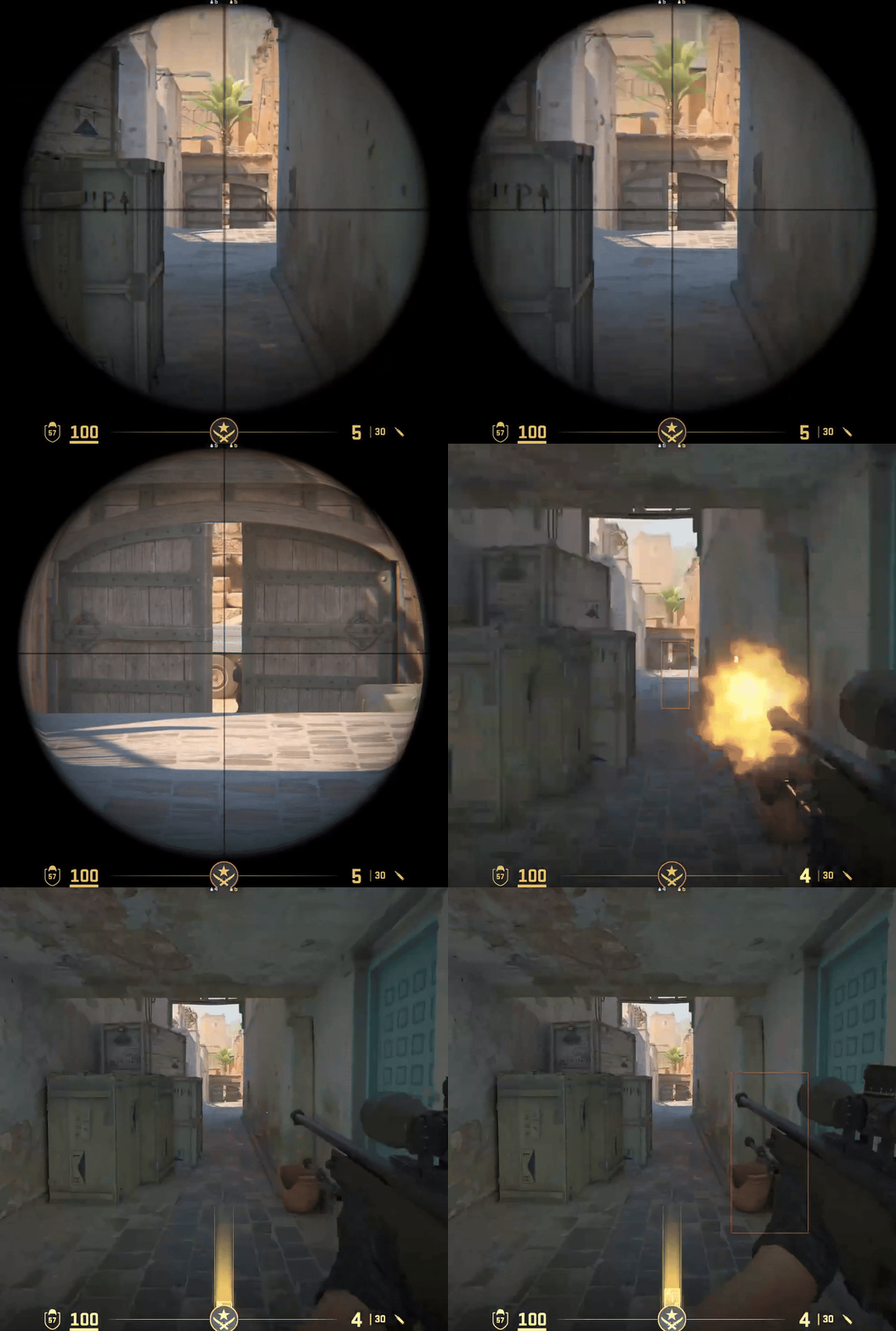
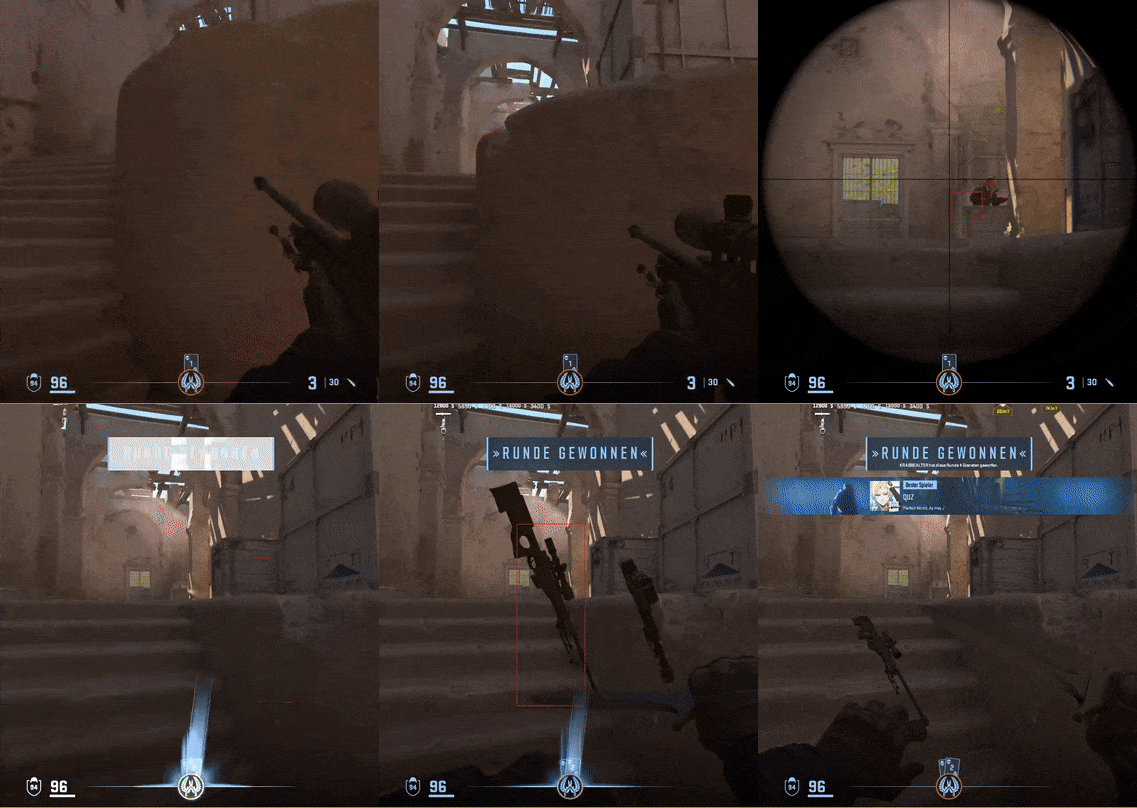
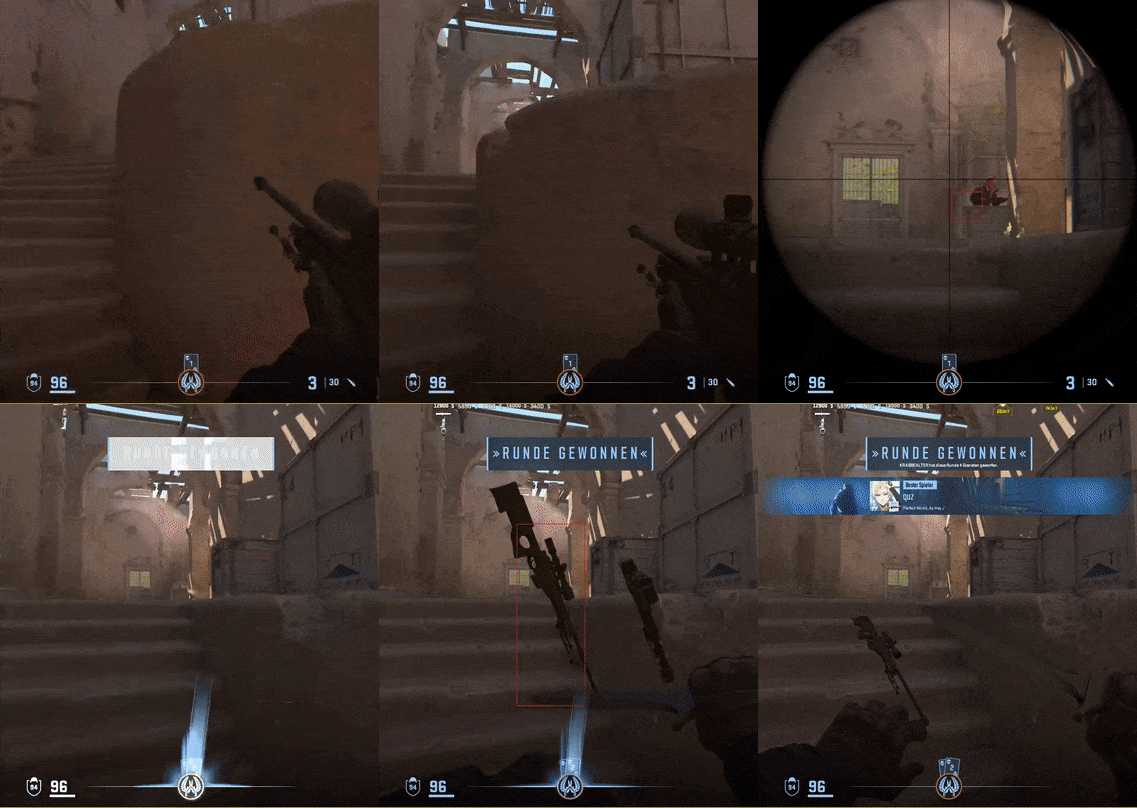
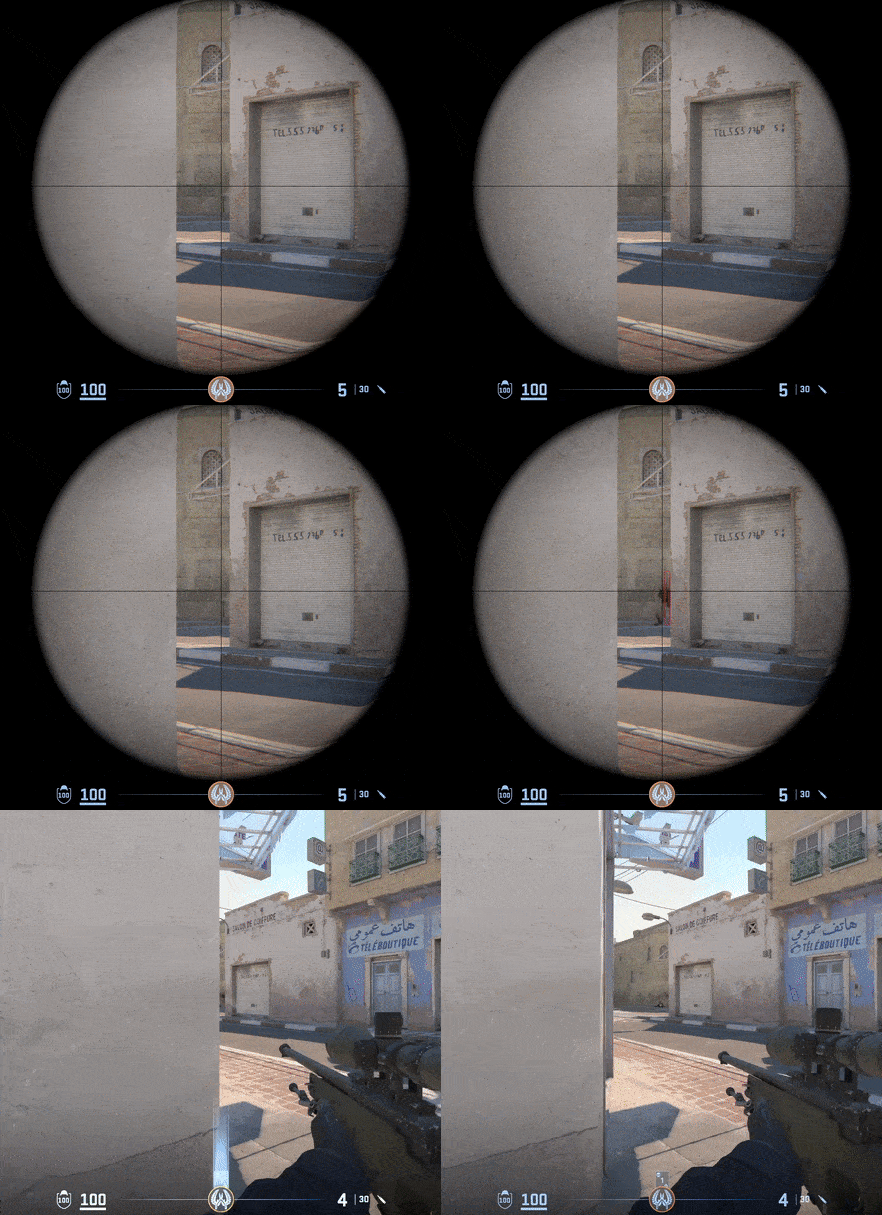
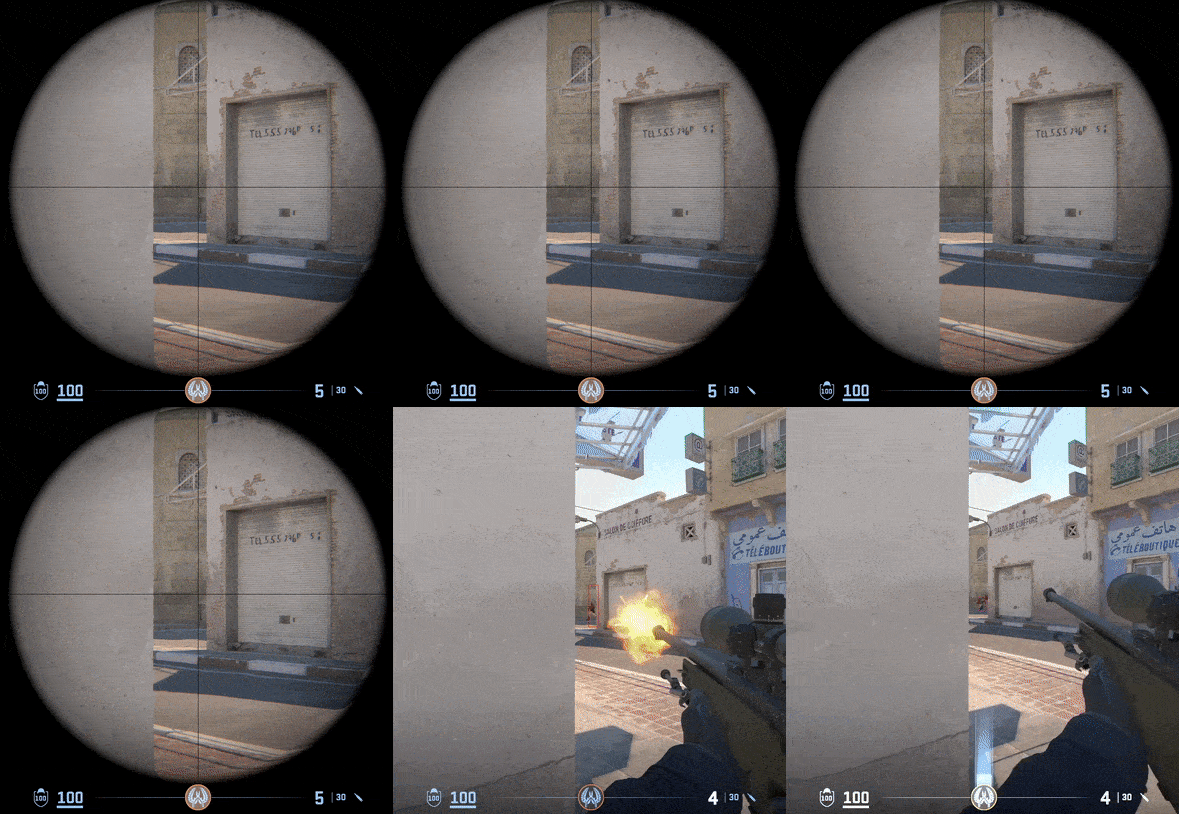
Disclaimer: This project is a technical showcase and is not intended to support any form of cheating software. It demonstrates how advanced technologies can be leveraged to overcome anti-cheat measures—hopefully inspiring anti-cheat developers to up their game!
I was on the lookout for a fun yet practical project to expand my skillset in AI computer vision. The project needed to meet several key requirements:
- Abundant Data: The solution should allow for easy access to a large amount of visual data.
- Dataset Availability: Ideally, there would be pre-existing datasets to jump-start the project.
- Practical Utility: The outcome should have a tangible application.
- Real-Time Performance: The system must process frames quickly (e.g., 2 ms per frame).
My first thought was to implement an enemy detection system for a multiplayer shooter—aiming to fire when an enemy is centered on my screen.
Initial Prototype
I started with a Python prototype, which was straightforward thanks to the vast ecosystem of libraries. Here’s the workflow:
- Data Acquisition: I grabbed a pre-labeled dataset for Counter-Strike 2.
- Model Training: I trained a YOLOV11 bounding box model.
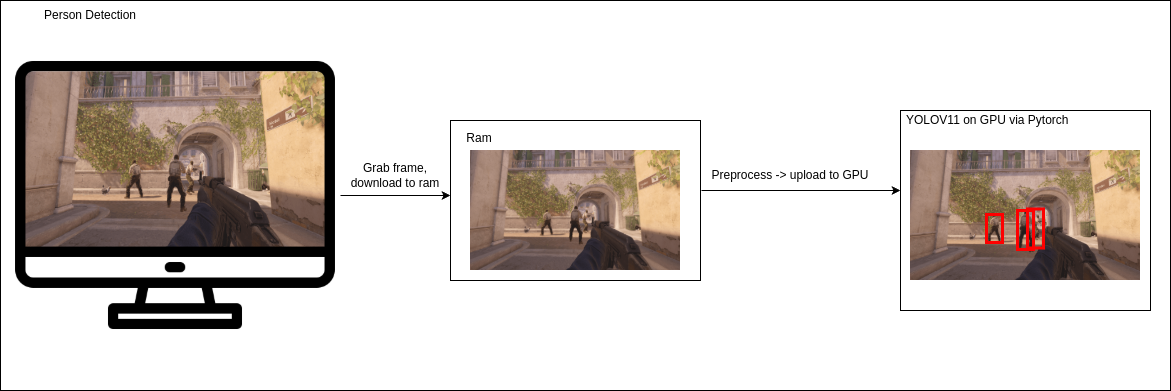
- Frame Processing: A Python script captures a frame from the screen, processes it through the YOLOV11 model using PyTorch, and outputs the results.
- Visualization: Another script renders the bounding boxes onto a transparent overlay in the foreground window.
While this prototype successfully detected players, it suffered from Python’s limitations in optimization and memory management. The total processing time was around 52 ms per frame:
Frame Capture & RAM Download
30 ms
GPU Upload, Preprocessing & Model Input
10 ms
Model Inference
12 ms
Transition to C++ and using Tensorflow for Enhanced Performance
To overcome Python’s performance bottlenecks, I rewrote the application in C++. For frame capturing, I leveraged the Desktop Duplication API to directly retrieve the screen’s framebuffer as DXGI on the GPU. The process involved:
- Transferring the frame from GPU to RAM.
- Registering the texture to CUDA (GPU) and preprocessing directly on the GPU.
- Using TensorFlow for inference.
The optimized breakdown was:
Frame Capture & RAM Download
17 ms
GPU Upload, Preprocessing & Model Input
10 ms
Model Inference
7 ms
This brought the processing time down to 34 ms per frame. Although a marked improvement, the RAM transfer still posed a bottleneck.
Further Optimization: Reducing Data Transfer Overhead
To reduce latency, I cropped the input to the central 640x640 region, minimizing data transfer and processing overhead. The new benchmarks were:
Frame Capture & RAM Download
9 ms
GPU Upload, Preprocessing & Model Input
5 ms
Model Inference
4 ms
Resulting in an overall processing time of 18 ms per frame.
The Final Leap: Direct GPU Mapping with Windows.Media.CaptureAPI
The ultimate challenge was eliminating the unnecessary memory transfers between VRAM and RAM. I discovered that the Windows.Media.CaptureAPI allowed for direct frame capture and mapping to CUDA. By using a GitHub resource as inspiration (link coming soon), I implemented the following streamlined workflow:
Direct Frame Capture to CUDA Array
3 ms
CUDA-based Preprocessing
3 ms
Model Inference
4 ms
This approach reduced the total processing time to an astonishing 10 ms per frame.
Legend
Overall Performance Evolution Diagram
Speedup Diagram (Total Time Only)
This project showcases how combining state-of-the-art APIs and optimizations can lead to substantial performance gains in real-time computer vision applications. While my journey began with a simple Python prototype, transitioning to C++ and integrating direct GPU capture techniques ultimately pushed the performance into a truly real-time realm.
Happy coding and always keep pushing the boundaries of what’s possible!
What I Learned and Future Applications
Through this project, I expanded my skill set across several areas:
- Deep Learning Deployment: I learned how to train and deploy a Convolutional Neural Network (CNN) with Tensorflow for object detection, which can be optimized to run especially on NVIDIA devices like the NVIDIA Jetson.
- Graphics Programming: I acquired foundational knowledge of DirectX and the Windows API, as well as integrating OpenGL for rendering, enabling the creation of efficient windowed applications.
- Performance Optimization: Transitioning from Python to C++ and implementing direct GPU mapping helped me master techniques for minimizing memory transfers and achieving real-time performance.
- Data Labeling: I created automatic labeling tools (see my other projects), streamlining the dataset preparation process for training machine learning models.
This project not only demonstrates the application of advanced computer vision techniques in real-time gaming, but it also opens the door to innovative applications in robotics, autonomous vehicles, and other fields where speed and accuracy are critical.